The 8 Best Notion Templates for Crypto Trading in 2026

Article by: Nixi ⚡
Notion Consultant & Creator
Why You Need a Notion Template for Crypto Trading
Most traders do not lose money because of bad luck. They lose because they have no system. Trades get forgotten, mistakes get repeated, and there is no clear picture of what is working and what is not. A Notion trading template gives you that system. It keeps your trades logged, your strategy documented, and your performance visible so you can make better decisions every single day.
Benefits of Using a Notion Crypto Trading Template
Log every trade and review your performance over time.
Spot patterns in your wins and losses faster.
Manage your risk properly instead of guessing.
Keep your trading strategy documented and easy to follow.
Stop repeating the same mistakes by learning from your own data.
Have everything in one place instead of scattered across different apps.
A Notion trading template does not just keep you organized. It makes you a more consistent and self aware trader. Here is what you need to know before picking the right one.
Top Notion Templates for Crypto Trading
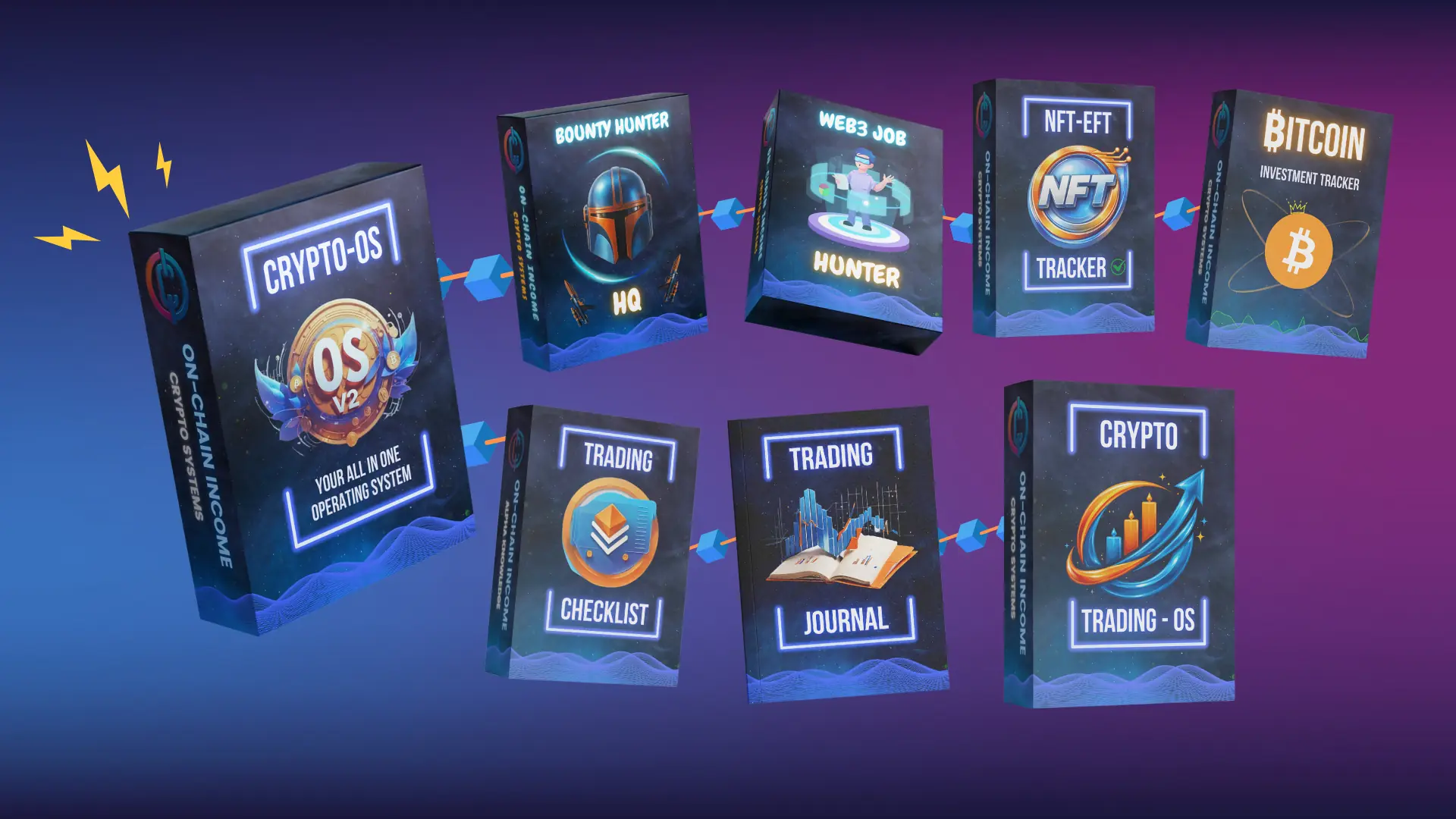
Whether you are day trading, swing trading, or just starting to build your first system, having the right template makes a real difference. These 8 Notion templates are built specifically for crypto traders who want to trade smarter, stay organized, and keep improving. Here are the best options available right now.
1. Crypto OS - V2.0
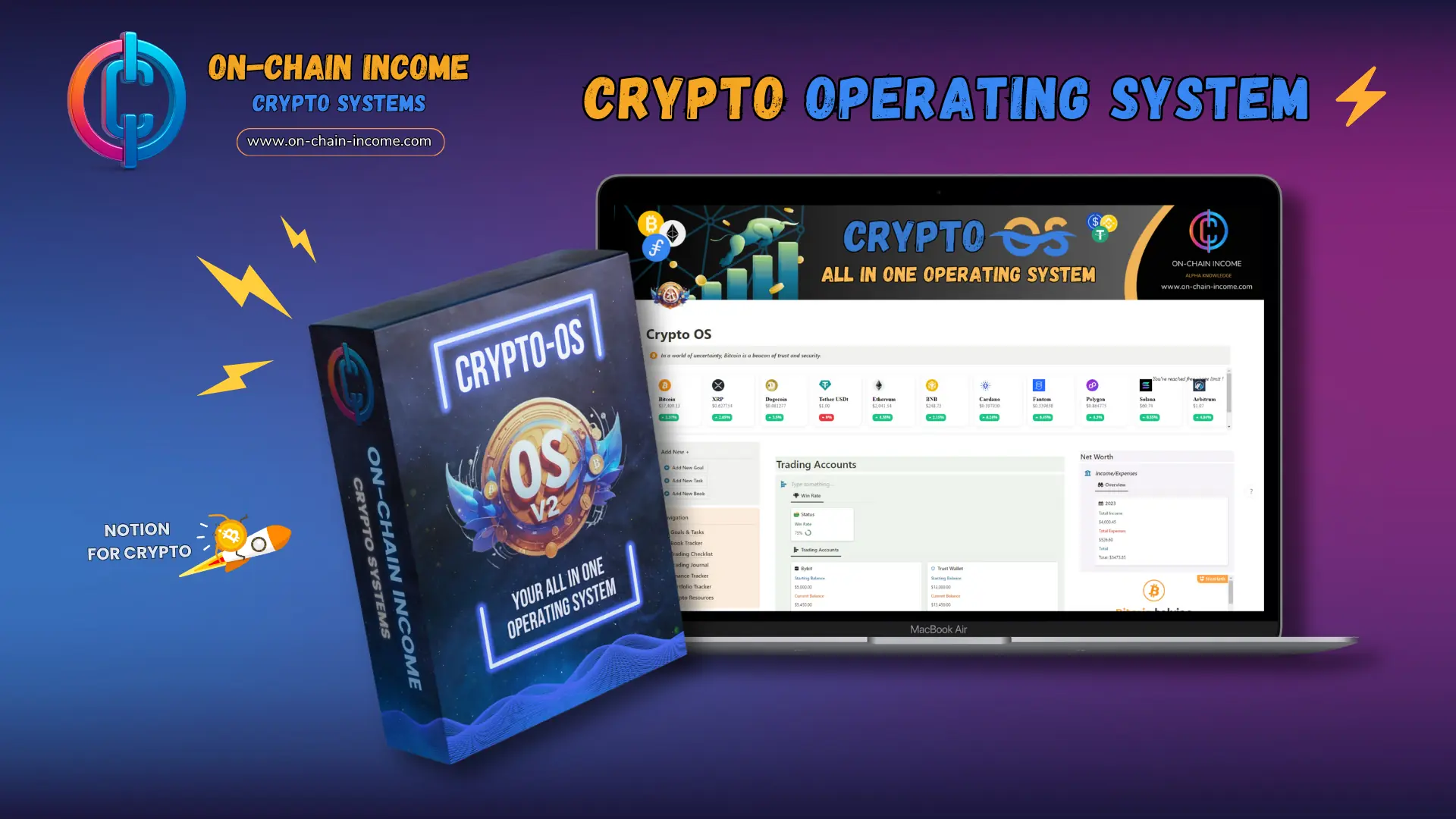
Your All in One Crypto Operating System
Crypto OS is the most complete crypto trading system on this list. While other templates focus on one area, Crypto OS covers your entire trading life from one dashboard. Log your trades, track your portfolio, manage your finances, set goals, and monitor market trends without switching between tools. If you want one system that handles everything a serious trader needs this is it.
2. Crypto Trading Journal
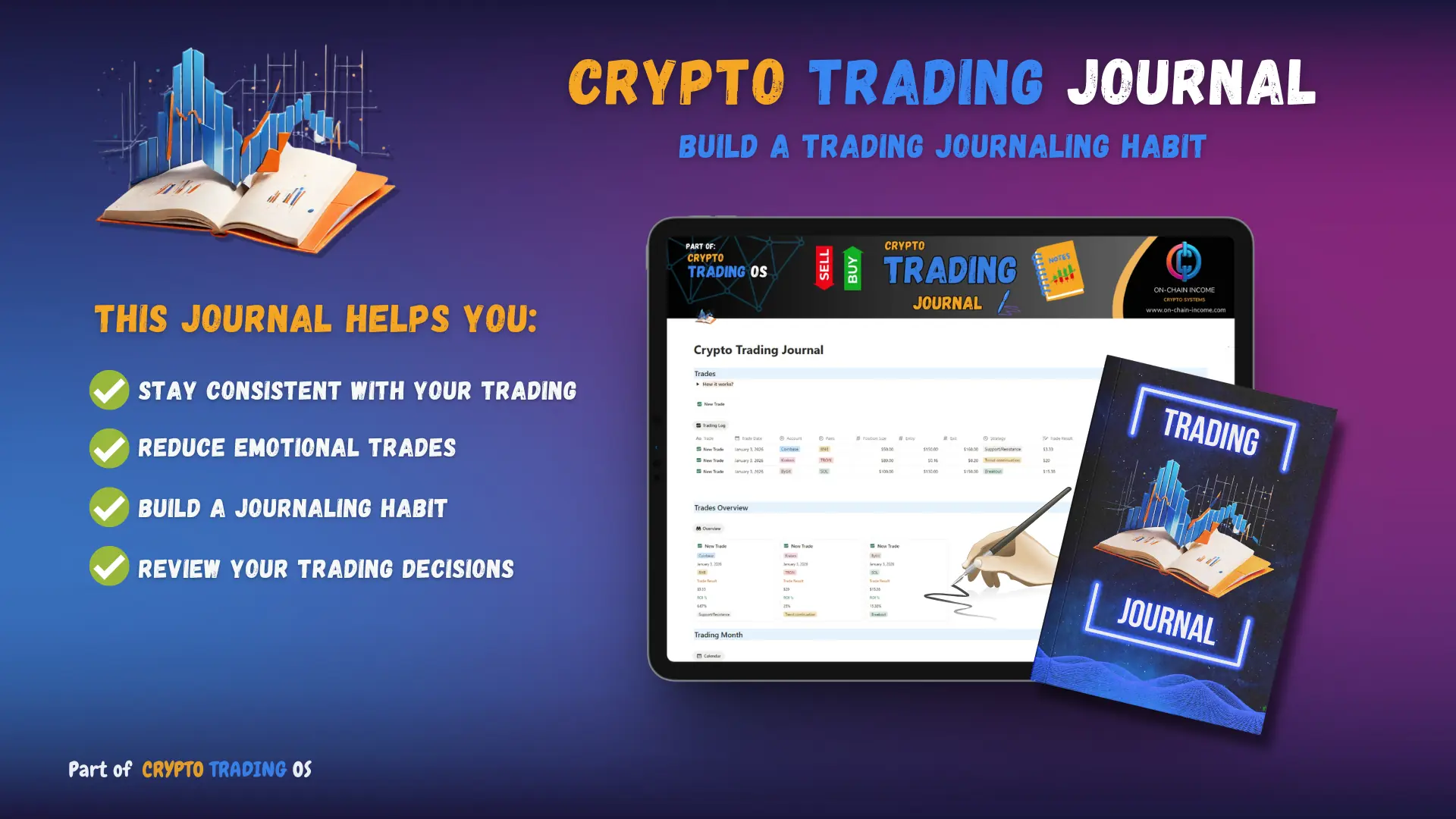
The Free Starting Point for Serious Traders
The Crypto Trading Journal is the free version of the Trading OS and the best starting point if you are new to journaling your trades. It gives you a simple structure to document your trades, review your decisions, and start building the habits that make you a more consistent trader. If you are not ready to commit to a full system yet, start here and upgrade when you are ready.
3. Crypto Trading OS
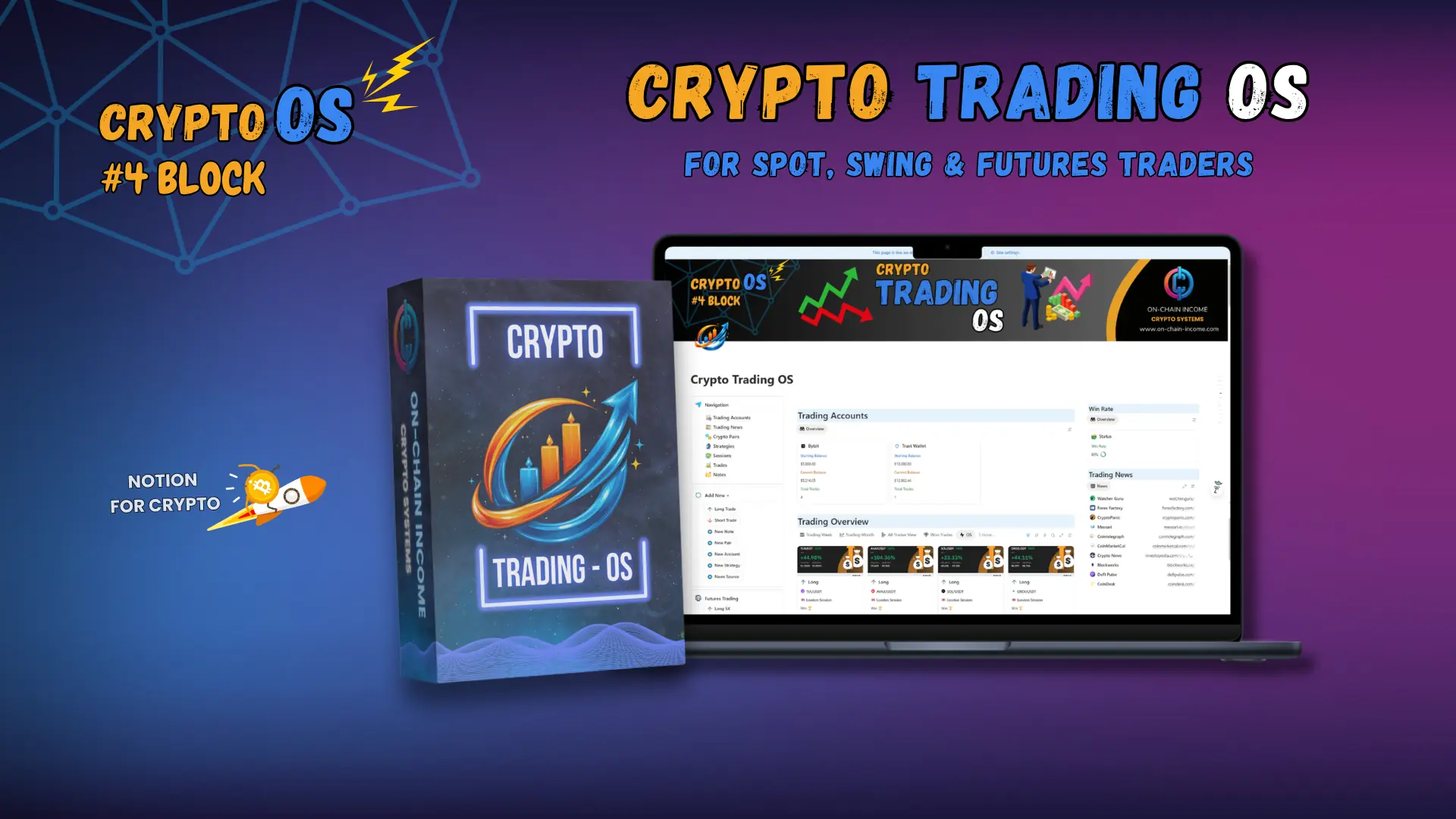
Built to Make You a More Profitable Trader
Crypto Trading OS gives you a complete workspace to log trades, track accounts, analyze strategies, and monitor performance across spot, swing, and futures trading. Every calculation including profit and loss, ROI, and risk is handled automatically. You can also track which sessions and pairs are most profitable for you and log your emotions after each trade so you understand why you won or lost. The most focused trading system on this list.
4. Bitcoin Investment Tracker
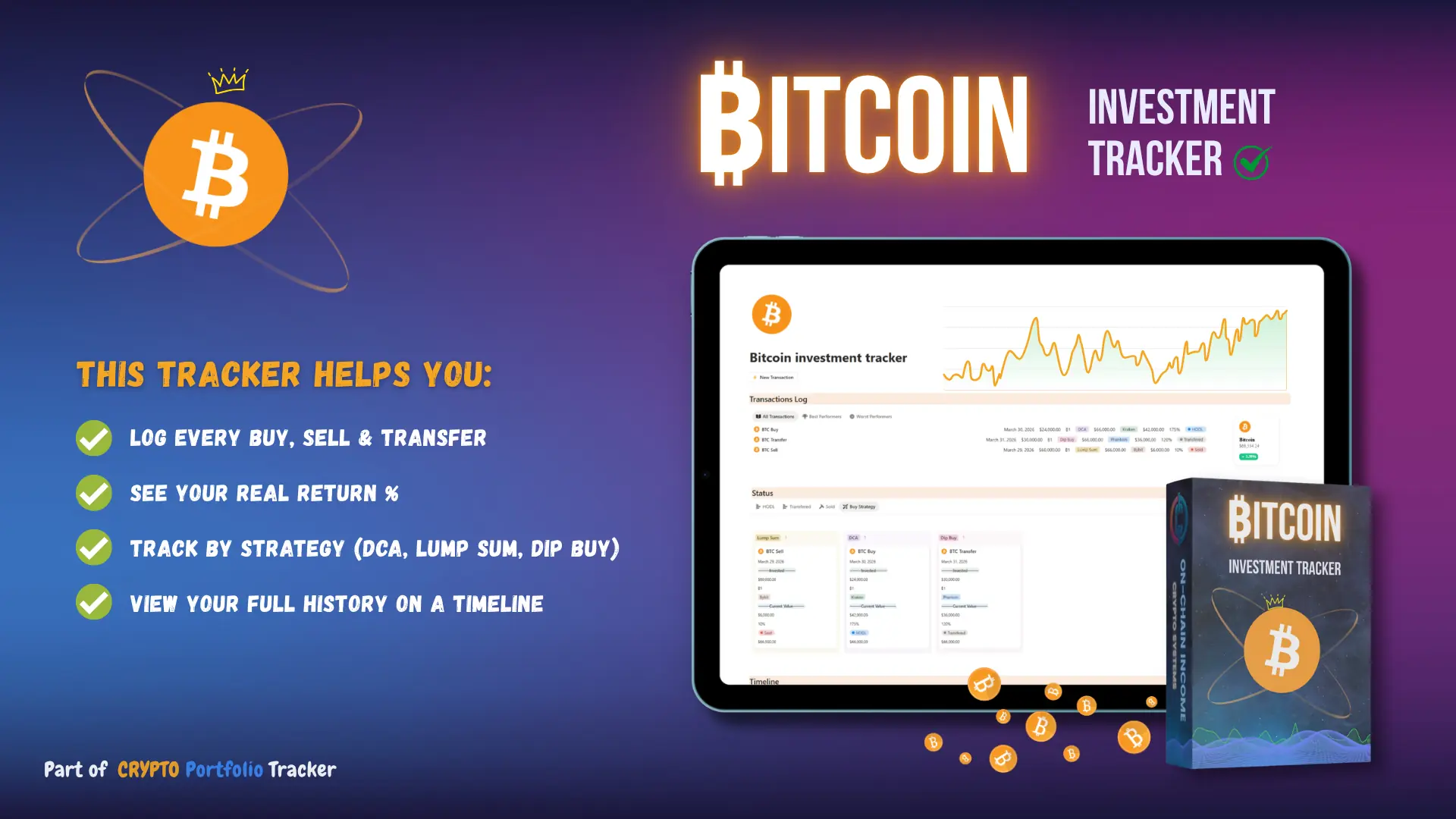
Built for long-term Bitcoin holders
This Bitcoin Investment tracker template is built for long-term Bitcoin holders. People who buy and hold, DCA regularly, or are building a position over time. If you're stacking sats and want clean records, this is your tool. It works equally well whether you buy on Coinbase, a hardware wallet setup, a Bitcoin-only exchange, or any combination. As long as you can answer "how much BTC did I buy, at what price, and when" this template handles the rest.
5. Crypto Trading Checklist
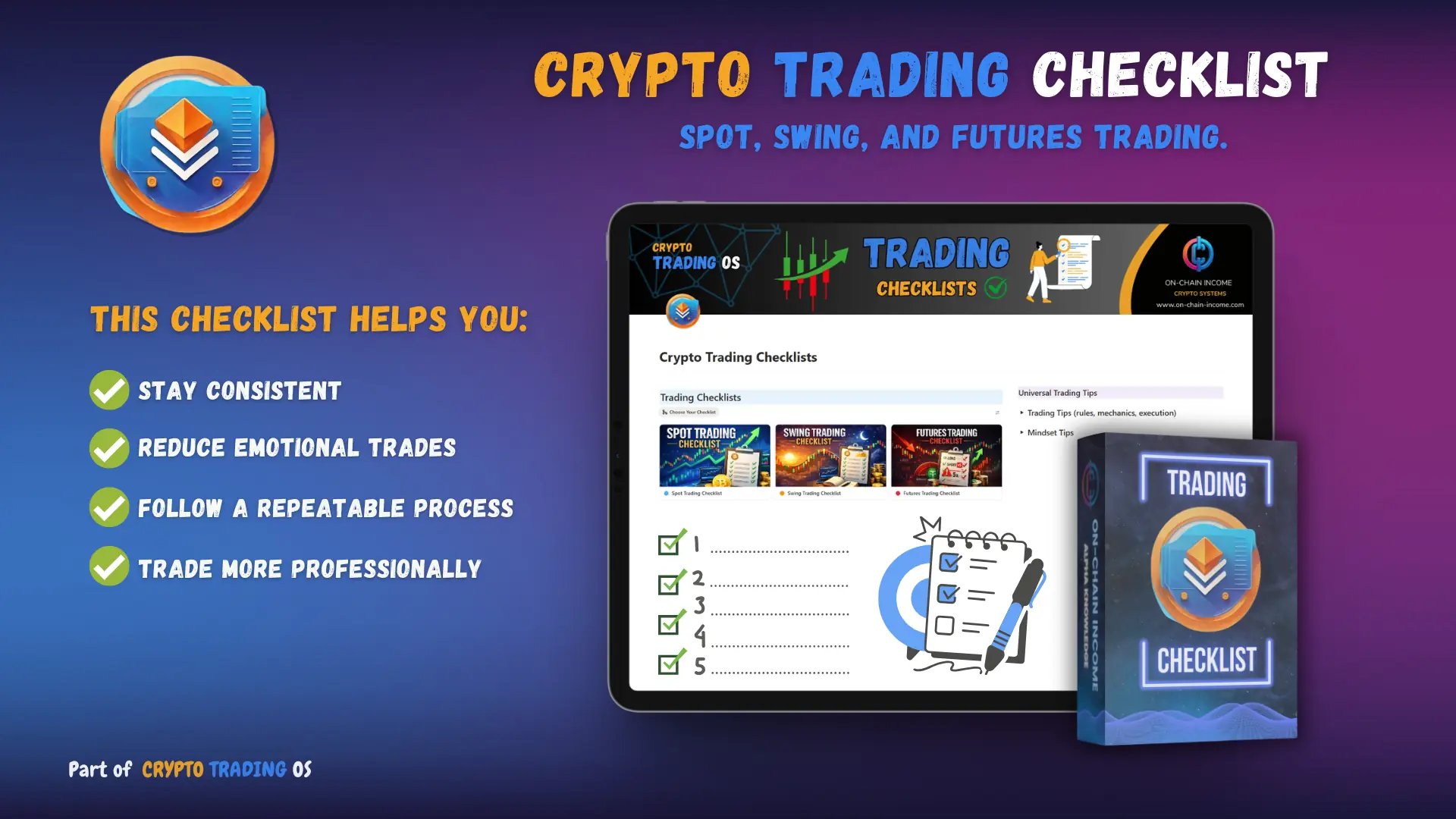
Check before every trade - covering Spot, Swing, and Futures trading.
Most traders skip preparation and jump straight into trades. The Crypto Trading Checklist slows you down in the right way. Before every trade you run through a clear set of checks covering spot, swing, and futures trading so nothing important gets missed. It takes less than a minute but it can save you from costly emotional or rushed decisions. Best of all it is completely free.
6. NFT Tracker
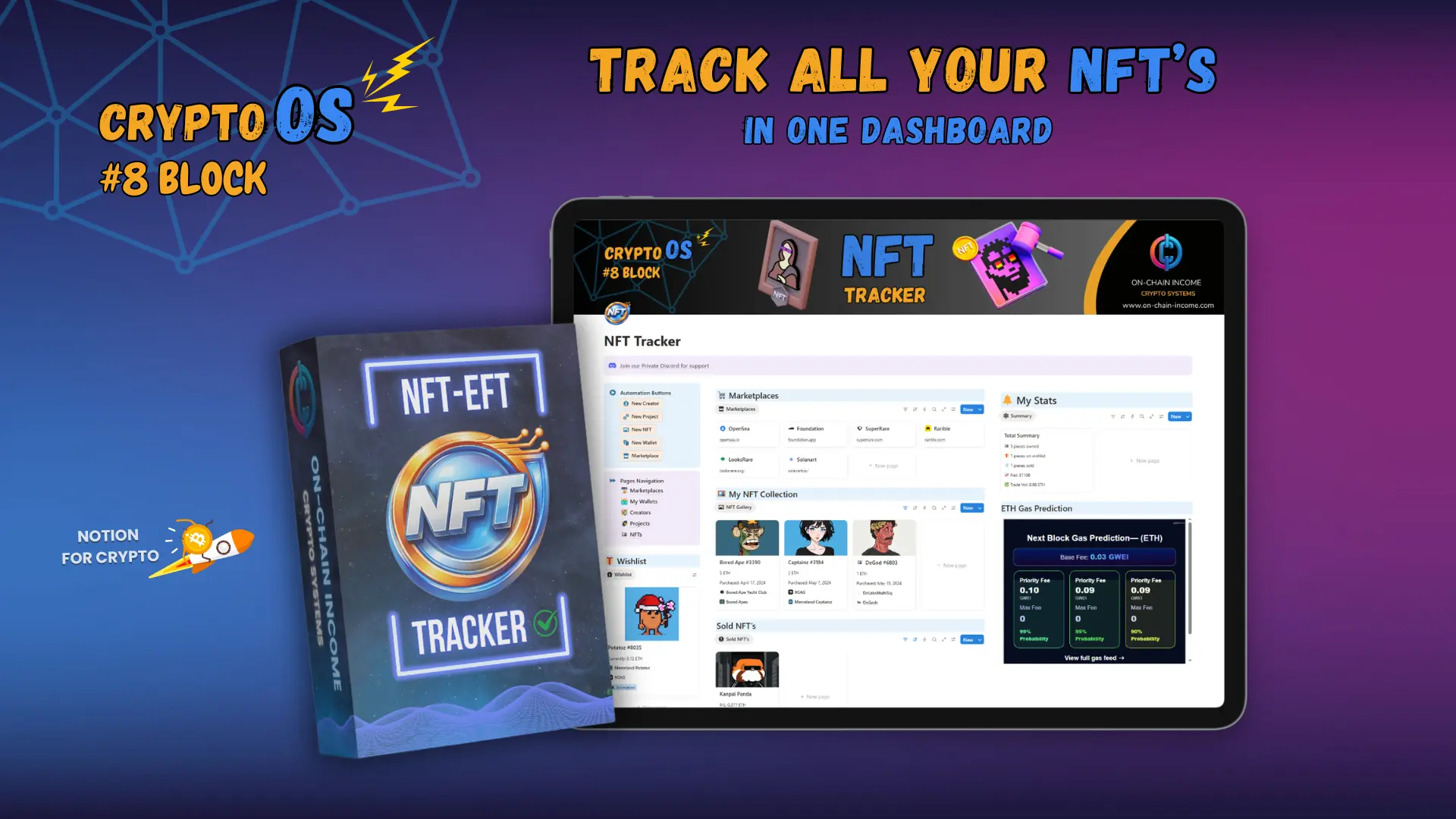
Track Every NFT You Own or Trade
The NFT Tracker gives you a clean database to manage your entire NFT portfolio in one place. Log your collections, track what you paid, monitor current values, and keep notes on projects you are watching. If you are active in the NFT space and tired of losing track of what you own and what it is worth this template keeps everything organized and easy to review.
7. Bounty Hunter HQ
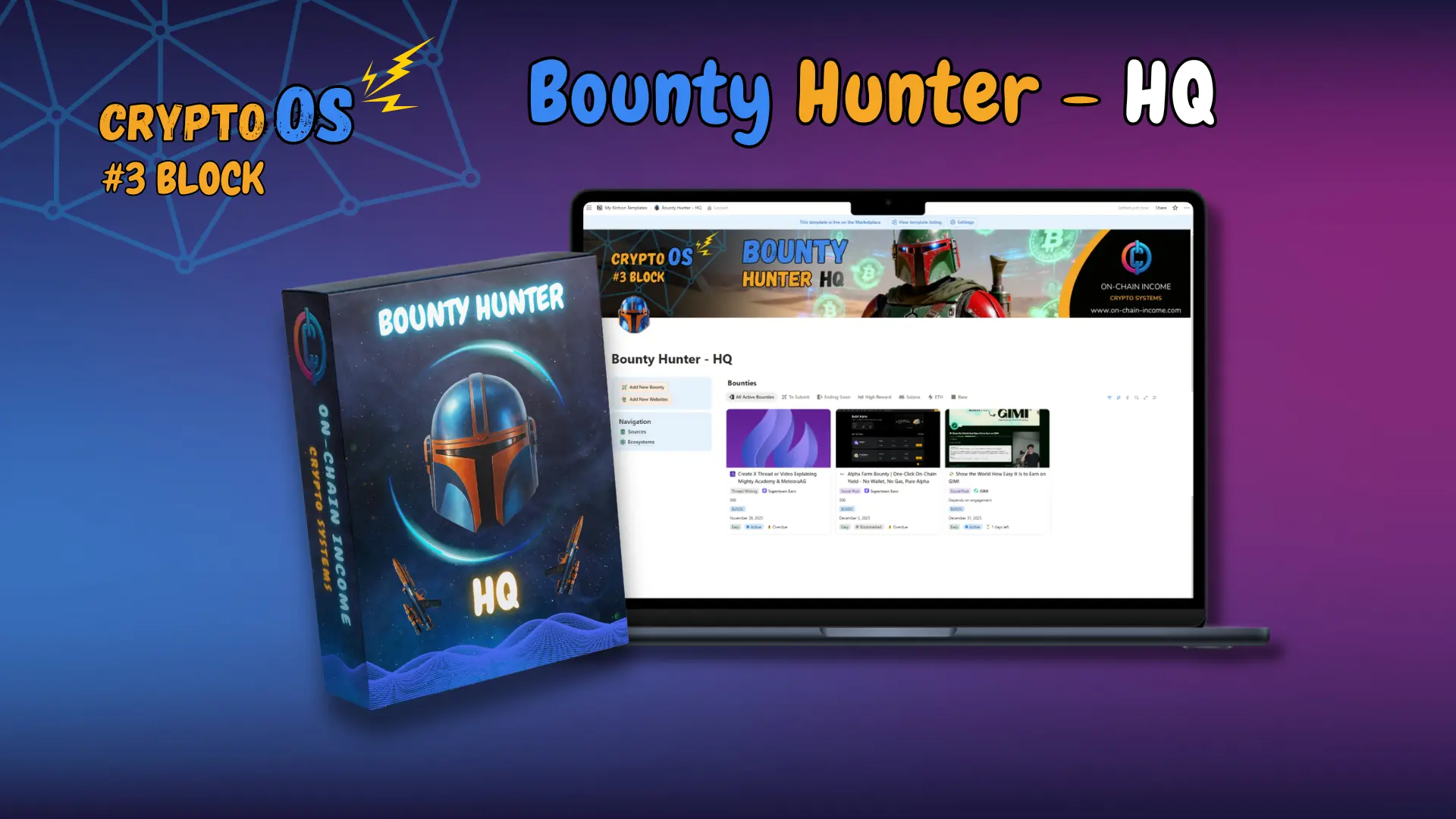
Never Miss a Crypto Bounty Again
Crypto bounties are one of the most overlooked ways to earn in Web3 but keeping track of them across multiple platforms is a mess. Bounty Hunter HQ gives you one clean system to track every bounty you find, every submission you make, and every reward you are waiting on. Instead of checking different sites every day and forgetting what you applied for, everything lives in one organized database.
8. Web3 Job Hunter
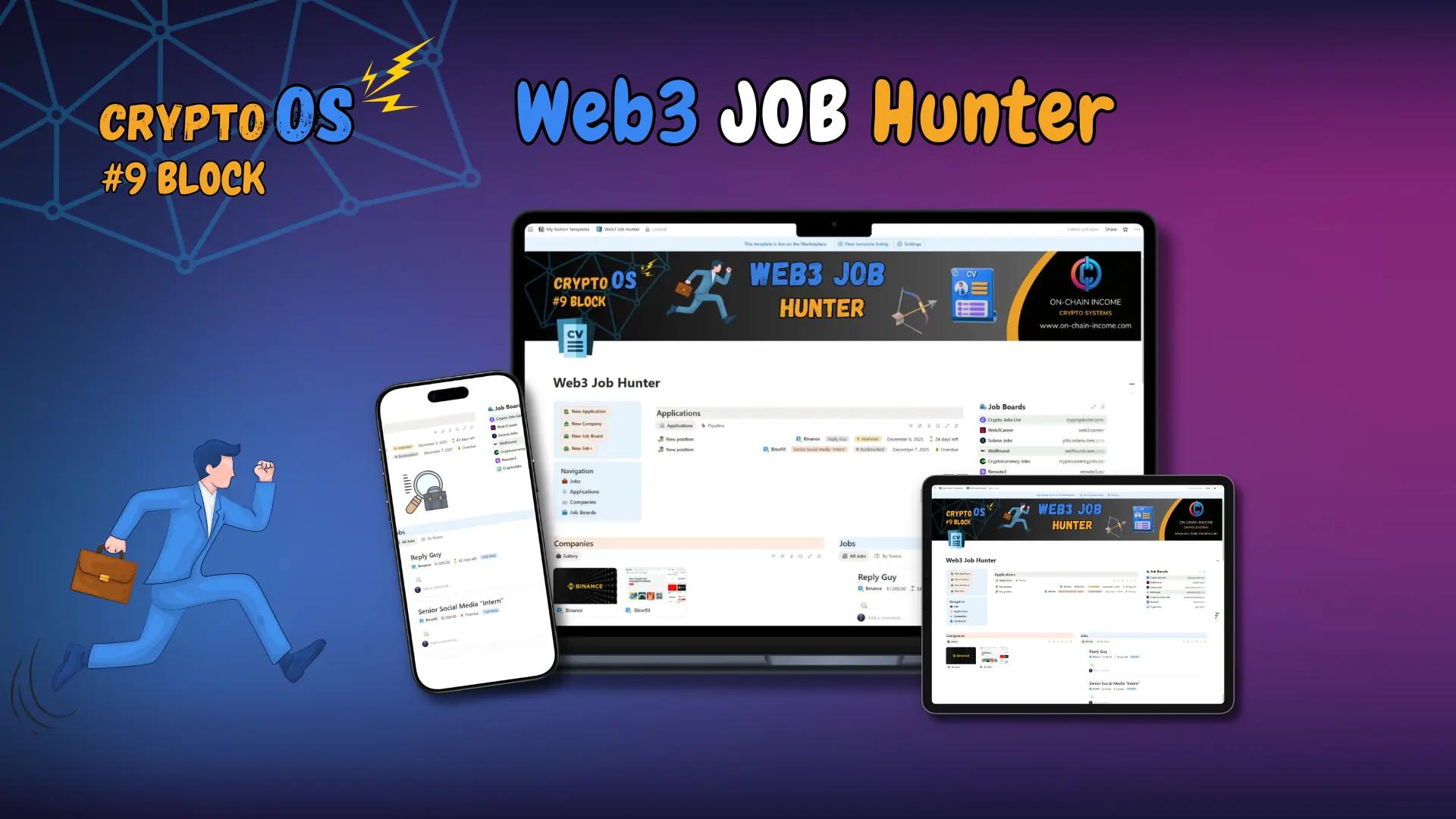
Get Hired Faster in the Web3 Industry
Web3 Job Hunter is a simple, powerful tracking system that helps you organize your entire crypto job search in one place. Instead of juggling bookmarks, screenshots, DMs, and random notes, you get a clean dashboard where you can track every job you find, every company you’re interested in, and every application you send.
Which Notion Trading Template Is Right for You?
Not sure where to start? Here is a quick guide based on what you actually need right now.
Just getting into trading? Start with the Crypto Trading Checklist or Crypto Trading Journal. They are simple, focused, and give you a solid foundation to build from.
Already trading but need more structure? Crypto Trading OS is built for active traders who want a complete system for logging trades, reviewing performance, and managing risk.
Tracking Bitcoin specifically? The Bitcoin Investment Tracker is the most focused option for BTC investors who want clear data on their positions.
Into NFTs or Web3? The NFT Tracker, Bounty Hunter HQ, and Web3 Job Hunter cover everything you need in those spaces.
Want everything in one place? Crypto OS is the most complete option on this list and covers every part of your trading life from one single dashboard
Take Control of Your Crypto Trading With Notion
Trading crypto without a system is one of the most common reasons people lose money. Not because the market is against them but because they have no record of what they did, why they did it, and what happened as a result.
These 8 Notion templates are designed to fix that. They give you the structure to log your trades, review your performance, manage your risk, and keep improving over time. Whether you are just starting out or already trading every day, having the right system in place changes everything.
The traders who consistently do well are not always the smartest or the most experienced. They are the ones who are organized, self aware, and always learning from their own data. A Notion trading template helps you become that kind of trader.
You do not need a complicated setup to get started. Pick the template that fits where you are right now, plug in your data, and start building your system today. The sooner you start tracking, the sooner you start improving.
More Crypto Trading Articles 📈

Crypto Paper Trading for Beginners

5 Proven Crypto Investment Strategies That Actually Work in 2026
How to earn Free cryptocurrency without investment?

12 Smart Ways to Spend Your Crypto Profits
The 8 Best Notion Templates for Crypto Trading in 2026
Frequently Asked Questions About Notion Crypto Trading Templates
Learn more about our crypto trading templates with the most frequently asked questions.
A Notion trading template is a ready made system you can use to log your trades, track your performance, and manage your strategy all inside Notion. Instead of building everything from scratch you just add your data and start using it straight away.
No. Some templates like the Crypto Trading Checklist and Crypto Trading Journal are designed to be simple enough for beginners while still being useful for experienced traders.
By logging every trade and reviewing your data over time you start to see patterns you would otherwise miss. You can see which strategies work, which mistakes keep coming up, and where your performance can improve.
Crypto OS is a complete all in one system covering every part of your crypto life including trading, finances, portfolio, goals and more. Crypto Trading OS is focused specifically on trading giving you deeper tools for logging trades, managing risk and reviewing performance.
Of course, you can use all our Free and Premium Notion Templates with a Free Notion Account!
Sign up for Notion, Once you sign up with your email, you will receive a link via email. Clicking on the link will open a Notion page in your browser. To duplicate the template to your Notion workspace, find the "duplicate" button located at the top right side of the web page.
All On-Chain Income templates eliminate complexity while ensuring ease of use and adaptability. Crucial for the complex crypto space! Every aspect of our templates is designed for maximum efficiency. The real thing that sets us apart is that everything is seamlessly connected in our templates, especially in Crypto OS, and we also use all the templates ourselves.
Yes! You can customize the template to fit your specific needs, and if you don't know how, I can help you out, just contact me here - Contact Me
We offer a generous 50% affiliate program for you! You just sign up, start promoting our products and if someone buys you get 50% commission! Read more about how affiliates work on our official Affiliates Page.
That's awesome, send us an email to onchainincome@gmail.com we will be happy to answer them all!


On-Chain Income
Crypto Notion Templates
Copyright © 2026 On-Chain Income.
All rights reserved.

Menu
Socials
Info/Resources